Pixel Lens
A downloadable tool for Windows
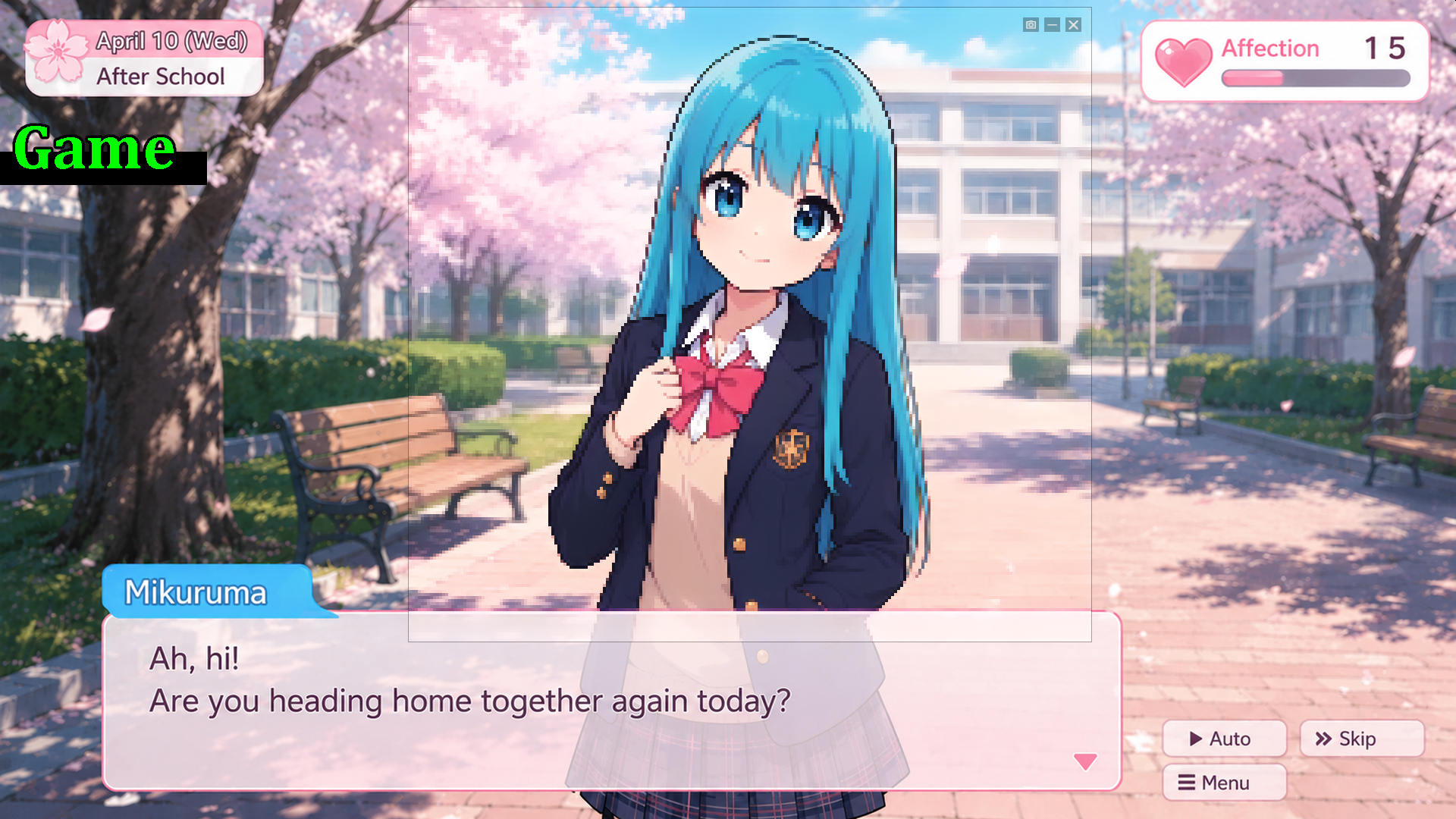
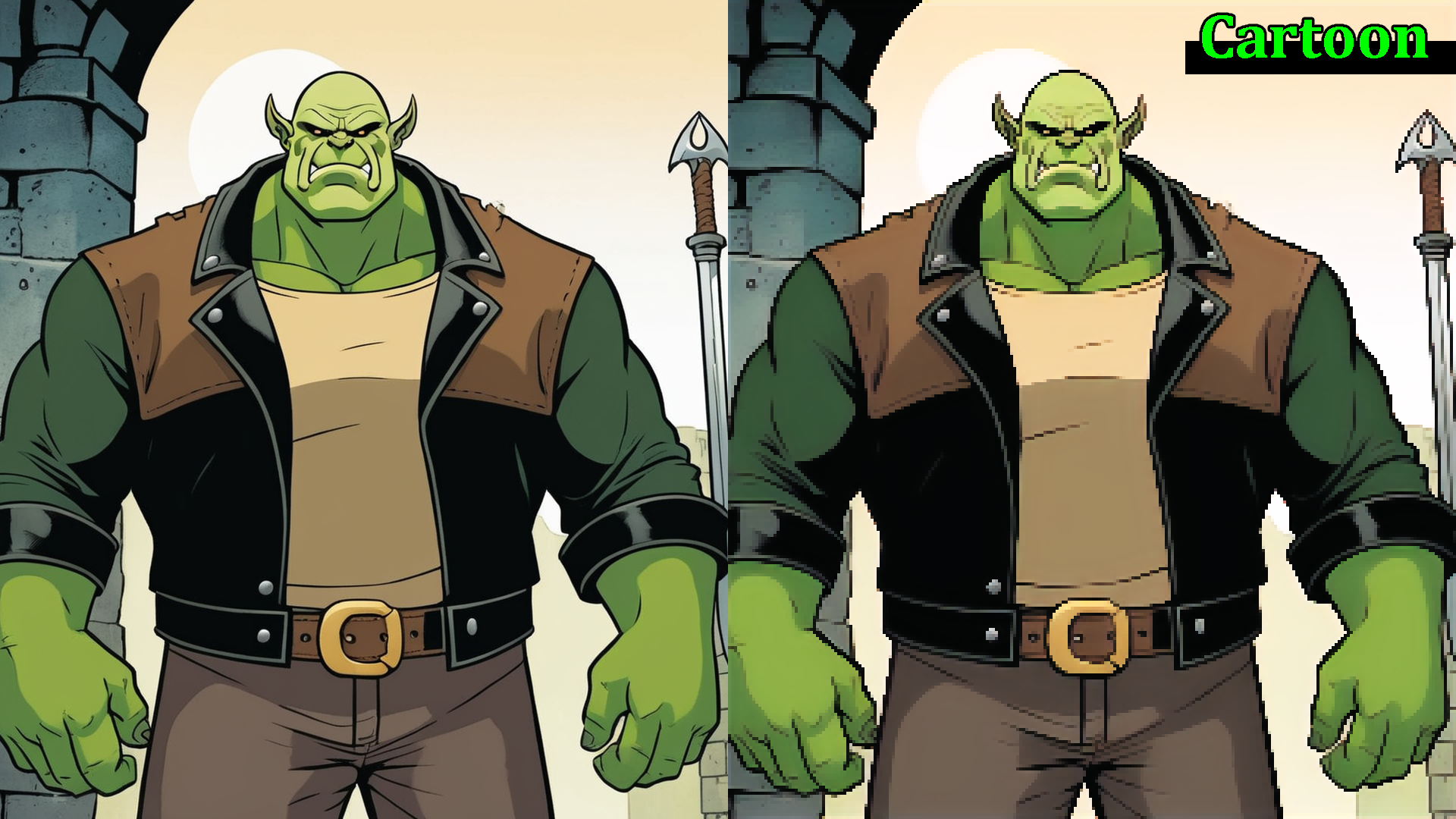
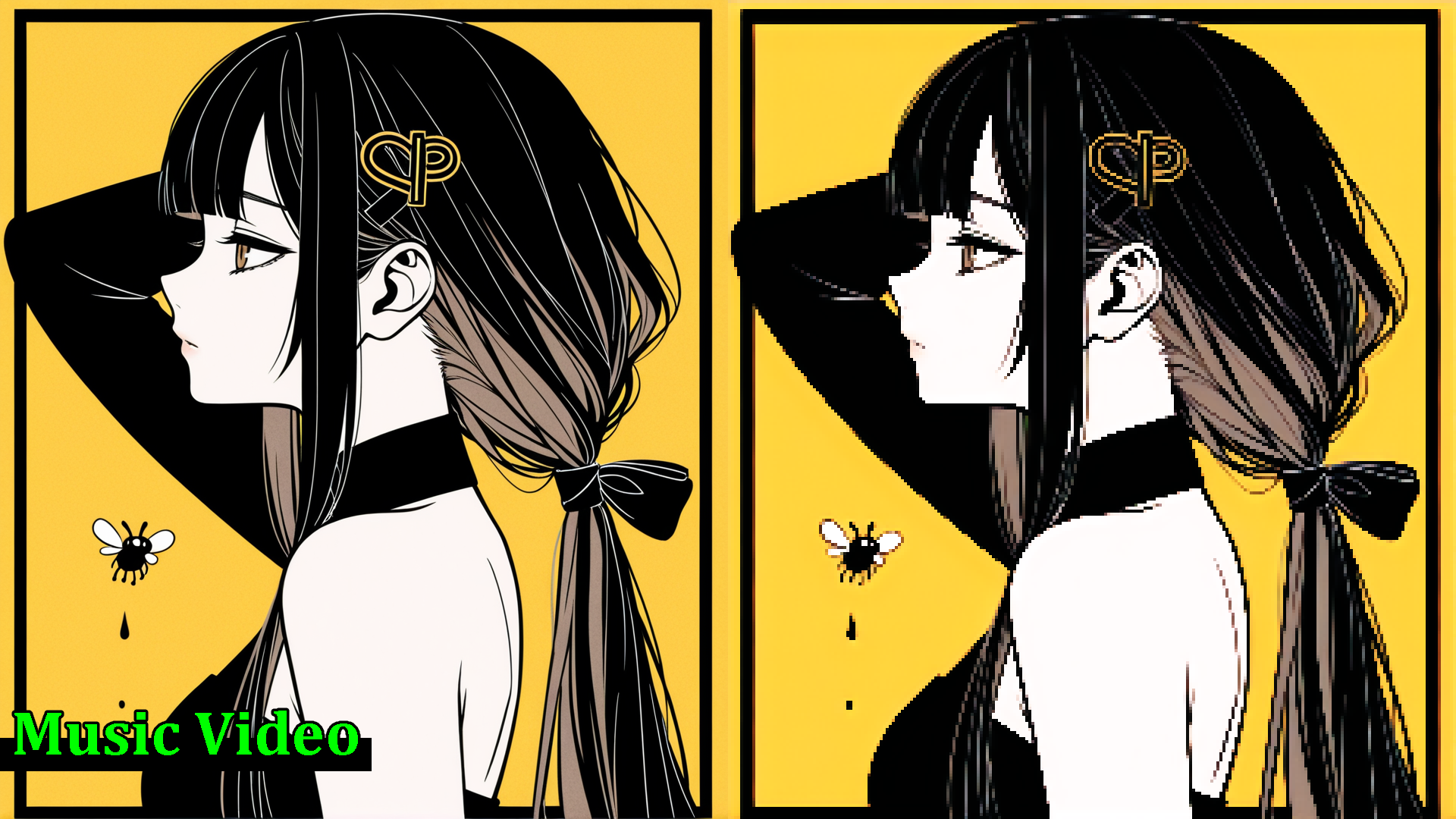
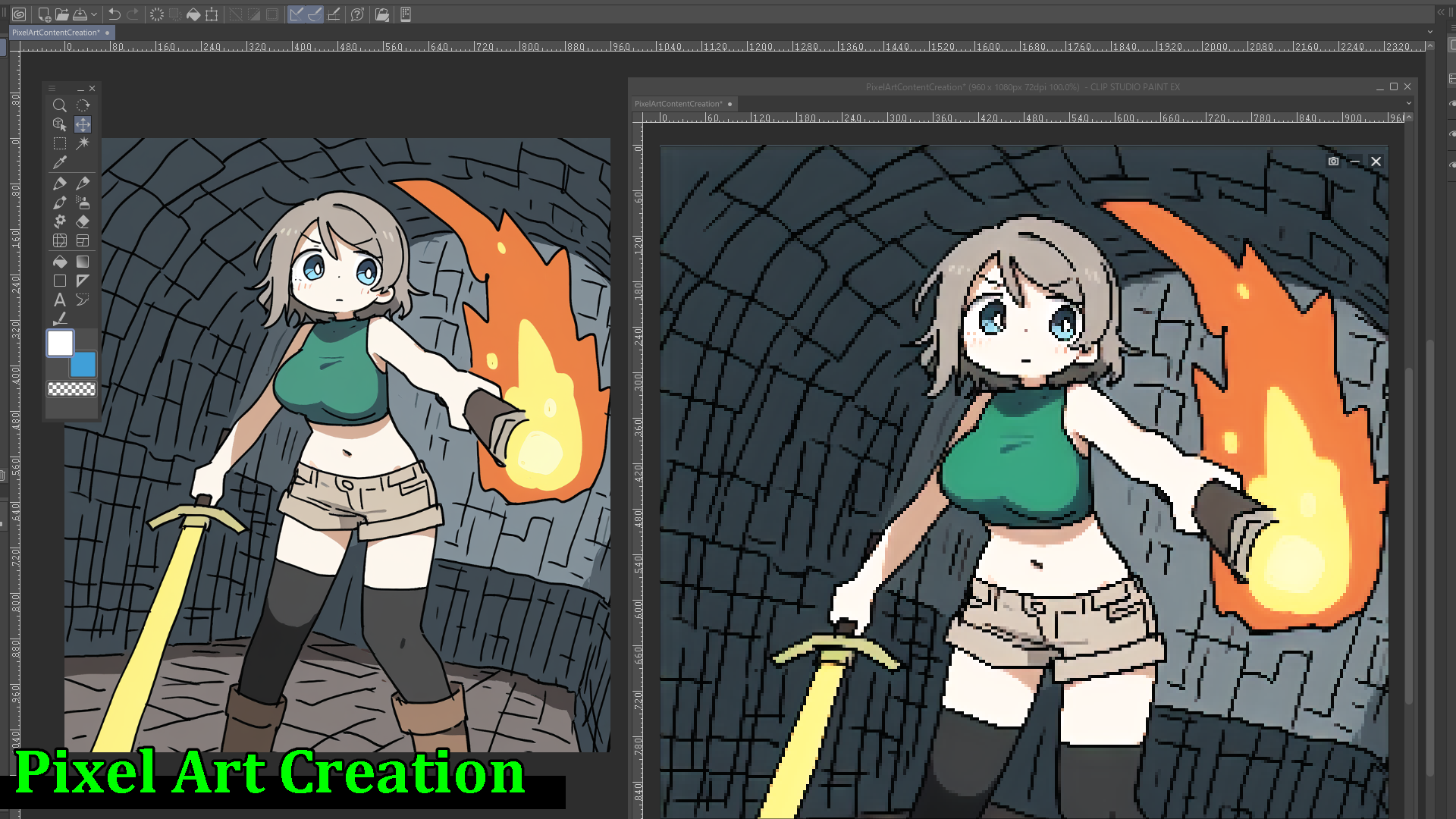
Place a lens, and watch any video turn into pixel art in real time.
■ Overview
Pixel Lens is a real-time conversion tool that overlays a "pixel-art lens" on top of your desktop.
Just drop the lens over a video or game, and our in-house lightweight AI turns the image into pixel art on the spot. Anime, YouTube, web browsers, gameplay — anything on your screen, only the area you choose.
Audio plays through unchanged, so you can add the fun of "watching in pixel art" without compromising your viewing experience.
* A DirectX 12-compatible GPU is required. Please see the system requirements below for details.
■ Features
▷ Ultra-light, fast in-house AI
The model is just 3 MB. Runs in real time at about 24 FPS on an RTX 3060-class GPU, and about 30 FPS on RTX 3090-class hardware.
* Measurement conditions: Full HD (1920×1080) input / Target FPS = 30 / Dot size = 4
▷ Overlays on any app
Works with video players, browsers, games, and any other window or screen region.
▷ Adjustable Dot size and Sharpness
Five-step control to match your preferred pixel-art feel.
▷ Screenshot capture
Save the perfect moment in one click.
▷ Stream mode (OBS integration)
Send the pixel-art image to OBS through a virtual camera, ready for streaming or recording.
You can also record pixel-art videos to file via OBS.
■ How to use

[Lens mode]
- Launch the app
- Select "Lens" mode
- Place the lens over the area you want, and adjust its size
- Watch the pixel-art image directly
[Stream mode]
- Launch the app and select "Stream" mode
- Pick the window you want to capture
- In OBS, add a "Video Capture Device" source → choose "Pixel Lens Virtual Camera"
- 4. Stream or record as usual in OBS
■ Tips
- If pixels look smudged, try widening the lens. Expanding it toward Full HD (1920×1080) makes things sharper.
- Lens size directly affects rendering load. To raise the FPS, make the lens smaller.
- Anime and illustration-style high-contrast content works best. Live-action footage may lose fine detail.
- If "(restart app for fast mode)" appears in the title bar, restarting the app will give a small speed boost.
■ Notes
- DRM-protected content (Netflix, Amazon Prime Video, Disney+, etc.) cannot be captured by design and will appear as a black screen. This is expected behavior of content protection, not a bug in Pixel Lens.
- We recommend using Pixel Lens at Full HD (1920×1080) or below. Higher resolutions still work, but the processing load grows with the square of the resolution, so the FPS will drop.
- The lens window does not support click-through. Since it cannot coexist with mouse-driven gameplay, we recommend using it with games controlled by keyboard or gamepad.
- Stream mode is not compatible with Discord screen sharing (please go through OBS / OBS Virtual Camera instead).
■ Examples
The following video was recorded using PixelLens's Stream mode.
■ Support
For the full manual, please visit the official PanzerSoft website.
For feedback, feature requests, and bug reports, please use the E-mail or official Discord.
Purchase
In order to download this tool you must purchase it at or above the minimum price of $4 USD. You will get access to the following files:
Development log
- Pixel Lens Initial Release! (v1.1)13 hours ago
Leave a comment
Log in with itch.io to leave a comment.